
Add A PDF to Your Eblast

add-a-pdf-image

Adding a PDF to Your Eblast

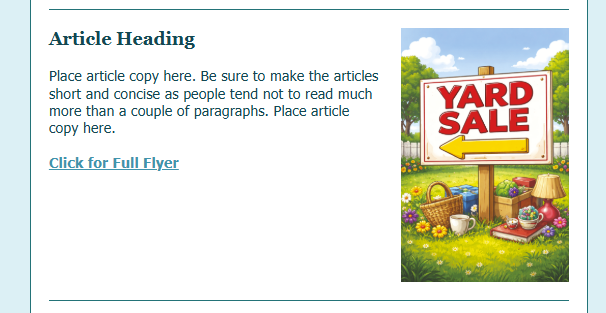
When we want to include a flyer in the eblast, it is important that we add it in a way that it can be expanded by our readers. To add the full size image of a flyer creates several issues:
1. It takes the eblast much longer for the entire eblast to load, due to the size.

2. Some email clients won't event display large image files. They just show an X in in its place.

We have created a "work-around" of sorts to help with this. Please watch the video below. If you are following along, pressing your spacebar will pause the video and pressing it again with restart it.

Related Posts

The Manager Message

The Manager Message

The Manager Message The Manager's Message is his/her opportunity to speak with the entire community each month. These guidelines will point you in the correct direction; the message always needs to be warm, positive, supportive, and appreciative. Mark's November...

community-calendar-image

Online Calendars

One of our communities uses a "live" Google calendar. These are super easy, because when an event is updated, anyone who looks at the calendar after that will only see  the corrected calendar. The process is a little different for uploading these.  1. Do a screen shot...

community-calendar-1-image

Activity Calendar

Most of our communities include some sort of calendar in their eblast. It usually goes just beneath the Recurring Events list, so all of the community's events are close together. Microsoft Publisher Calendar This type of calendar is static, which means it is very...

0 Comments

Submit a Comment

Your email address will not be published. Required fields are marked *